Author: AndsonTech

  • 7 Essential Free Software Programs Every Windows PC Should Have

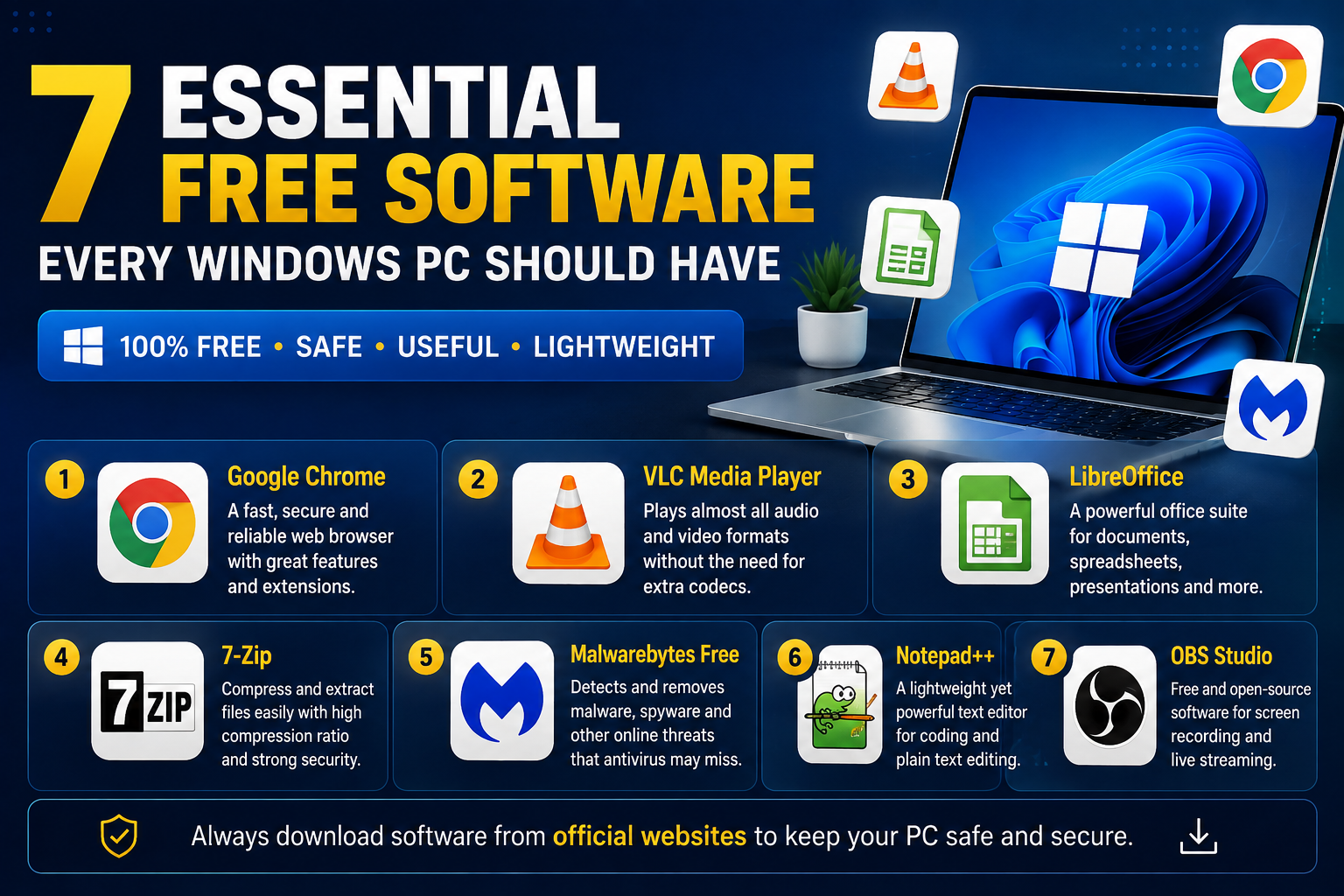
    7 Essential Free Software Programs Every Windows PC Should Have

    7 Essential Free Software Programs Every Windows PC Should Have

    Whether you’re a student, professional, or casual computer user, installing the right software can make your PC faster, safer, and more productive. Here are seven free programs that every Windows user should consider.

    1. Google Chrome

    Google Chrome is one of the most popular web browsers. It offers fast browsing, built-in security, and support for thousands of useful extensions.

    2. VLC Media Player

    VLC Media Player can play almost every audio and video format without needing extra codecs. It is lightweight, reliable, and completely free.

    3. LibreOffice

    LibreOffice is a powerful alternative to Microsoft Office. It includes Writer, Calc, Impress, and other tools for creating documents, spreadsheets, and presentations.

    4. 7-Zip

    7-Zip is a free file compression tool that allows you to create and extract ZIP, RAR, and 7z archives with ease.

    5. Malwarebytes Free

    Malwarebytes helps detect and remove malware, spyware, and other security threats that traditional antivirus programs may miss.

    6. Notepad++

    Notepad++ is an advanced text editor designed for programmers and anyone who works with code or plain text files.

    7. OBS Studio

    OBS Studio is a free, open-source application for screen recording and live streaming. It is widely used by gamers, educators, and content creators.

    Why Use Trusted Software?

    Always download software from the official website or a trusted source. This helps protect your computer from malware, fake installers, and security risks.

    Conclusion

    The right software can improve your productivity, enhance your computer’s performance, and make everyday tasks easier. Start with these free programs to get the most out of your Windows PC.

    Visit AndsonTech.site for more software reviews, technology news, Android tips, and practical tech tutorials.

  • 10 Hidden Android Features You Should Start Using Today

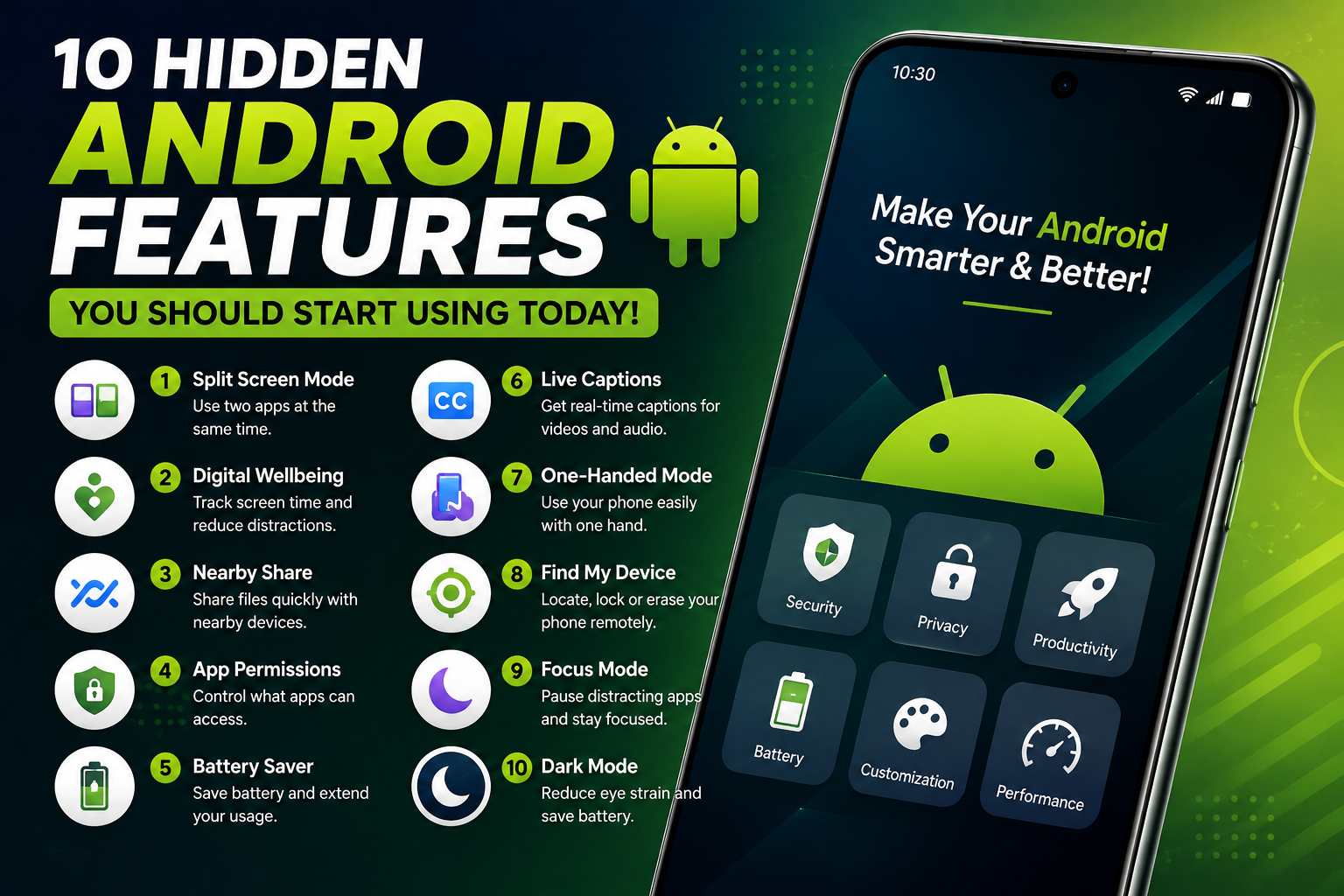
    10 Hidden Android Features You Should Start Using Today

    10 Hidden Android Features You Should Start Using Today

    Android smartphones include many useful features that most users never discover. Whether you own a Samsung, Google Pixel, TECNO, Infinix, Xiaomi, or another Android device, these hidden features can improve your experience.

    1. Split Screen Mode

    Use two apps at the same time, such as watching YouTube while taking notes or chatting while browsing the web.

    2. Digital Wellbeing

    Monitor your screen time, set app limits, and reduce distractions to maintain a healthier balance.

    3. Nearby Share

    Quickly send photos, videos, and files to nearby Android devices without using cables or mobile data.

    4. App Permissions

    Review which apps can access your camera, microphone, location, and contacts. Disable permissions you don’t need.

    5. Battery Saver

    Extend your phone’s battery life by turning on Battery Saver when power is running low.

    6. Live Captions

    Some Android phones can automatically generate captions for videos and audio, making content easier to follow.

    7. One-Handed Mode

    Make it easier to use large-screen phones by moving the interface closer to your thumb.

    8. Find My Device

    If your phone is lost, you can locate, lock, or erase it remotely using Google’s Find My Device service.

    9. Focus Mode

    Temporarily pause distracting apps while studying or working to stay productive.

    10. Dark Mode

    Reduce eye strain and help save battery life on devices with OLED displays by enabling Dark Mode.

    Conclusion

    Android offers many powerful features that can help you work smarter, protect your privacy, and improve your daily smartphone experience. Explore your phone’s settings to see which features are available on your device.

    Keep visiting AndsonTech.site for more Android tips, technology news, software reviews, and easy-to-follow tutorials.

  • What Is Artificial Intelligence (AI)? A Beginner’s Guide

    What Is Artificial Intelligence (AI)? A Beginner’s Guide

    What Is Artificial Intelligence (AI)? A Beginner’s Guide

    Artificial Intelligence (AI) is one of the fastest-growing technologies in the world. It enables computers and machines to perform tasks that normally require human intelligence, such as learning, problem-solving, understanding language, recognizing images, and making decisions.

    How Does AI Work?

    AI uses data and algorithms to learn patterns and improve its performance over time. The more quality data an AI system receives, the better it becomes at completing specific tasks.

    Examples of AI You Already Use

    • ChatGPT for answering questions and writing content.
    • Google Search for smarter search results.
    • Google Maps for traffic predictions and route planning.
    • YouTube for personalized video recommendations.
    • Voice assistants like Google Assistant and Siri.

    Benefits of Artificial Intelligence

    • Saves time by automating repetitive tasks.
    • Improves productivity at work and school.
    • Helps businesses make better decisions.
    • Enhances customer support through AI chatbots.
    • Assists developers in writing and reviewing code.

    Challenges of AI

    While AI offers many advantages, it also comes with challenges such as privacy concerns, misinformation, job displacement in some industries, and the need for responsible use.

    The Future of AI

    Artificial Intelligence is expected to continue transforming healthcare, education, finance, transportation, agriculture, and many other industries. Learning how AI works today can prepare you for future opportunities.

    Conclusion

    Artificial Intelligence is changing the way we live and work. Whether you’re a student, business owner, or technology enthusiast, understanding AI can help you take advantage of new tools and opportunities in the digital world.

    Keep visiting AndsonTech.site for more technology news, AI tutorials, software reviews, and practical tech guides.